
Byadala is no longer on Google Play. Install it on your TV like this instead. It's the same app, and if it's already on your TV, it keeps working.
Byadala on your TV
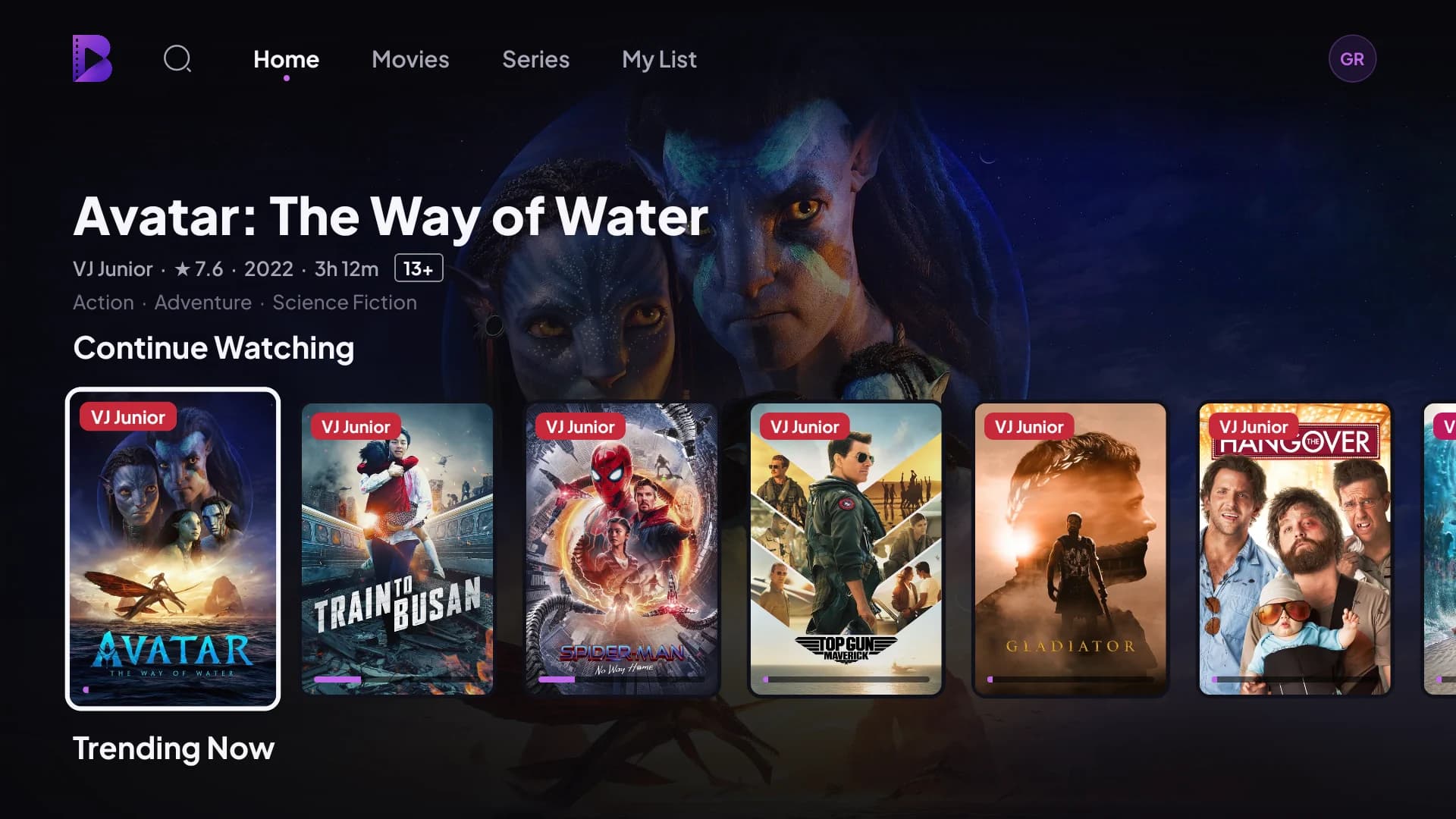
Every film on the big screen, with the whole family.
- 1. On your TV, open the Play Store, search for Downloader and install it. It's free.
- 2. Open Downloader. When the TV asks, allow it to install apps. Then type this and press Go:byadala.com/tvapp
- 3. Press Install, then Open. Sign in by scanning the code on the TV with your phone.
Works on Android TV and Google TV: TCL, Skyworth, the Android Hisense sets, Mi Box and other Android boxes. Samsung, LG and Hisense VIDAA TVs can't install it yet.
For a TV without Downloader: copy the file to a USB stick and open it on the TV.